Images to PDF
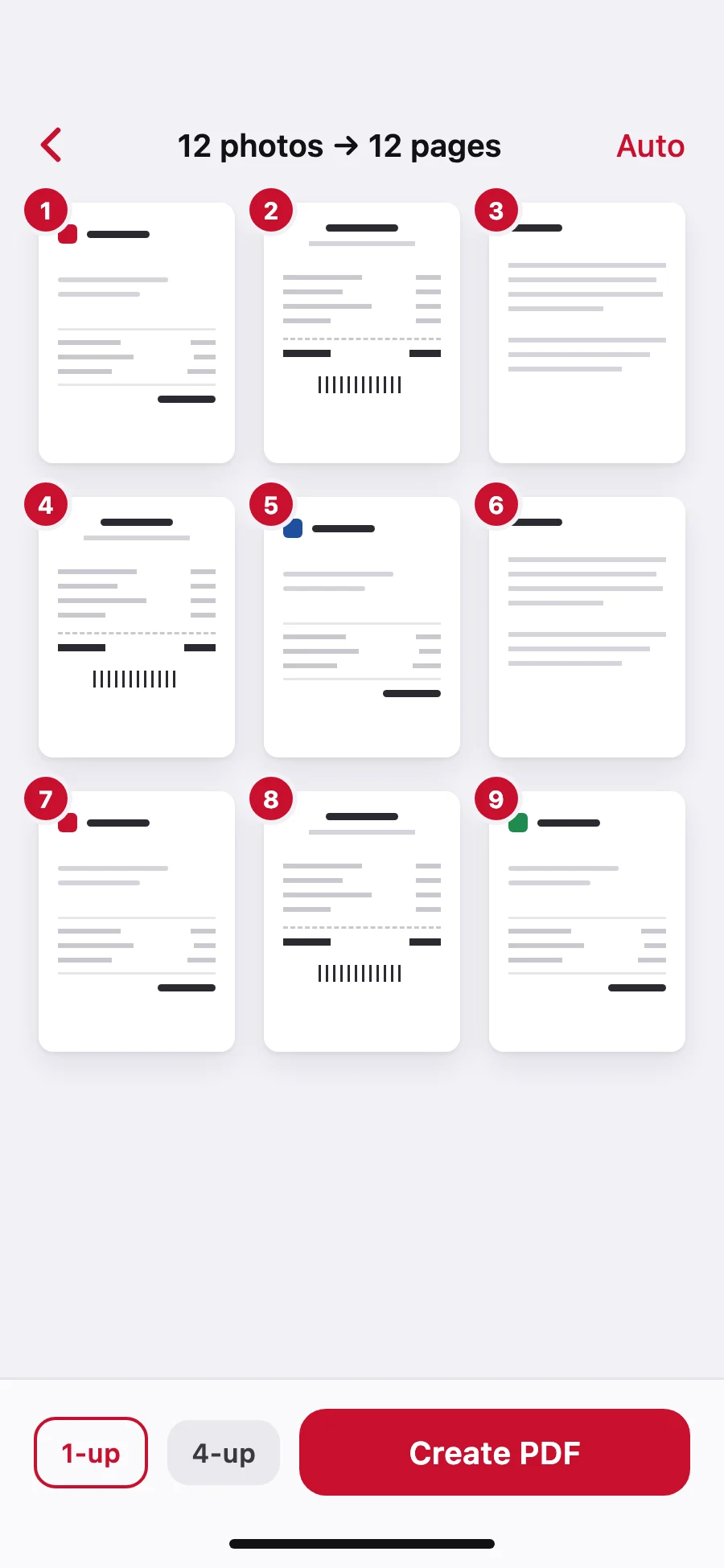
JPG, PNG, HEIC and screenshots, in the order you choose.
 PDFeeGet the app
Scan, sign and merge, too. Privately on your iPhone.
Each one a single tap from the home screen.
JPG, PNG, HEIC and screenshots, in the order you choose.
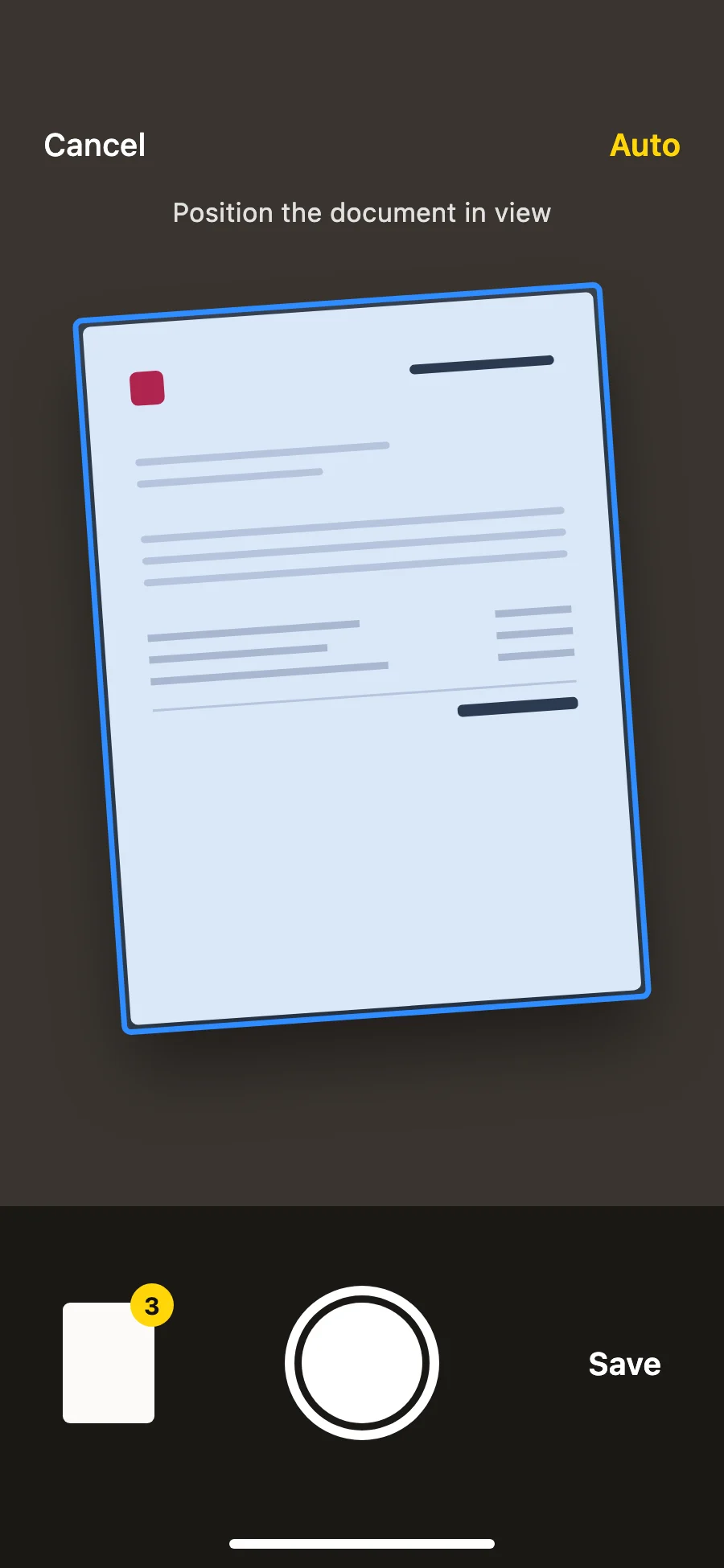
Edges found and straightened for you.
No account.
No upload.
No tracking.
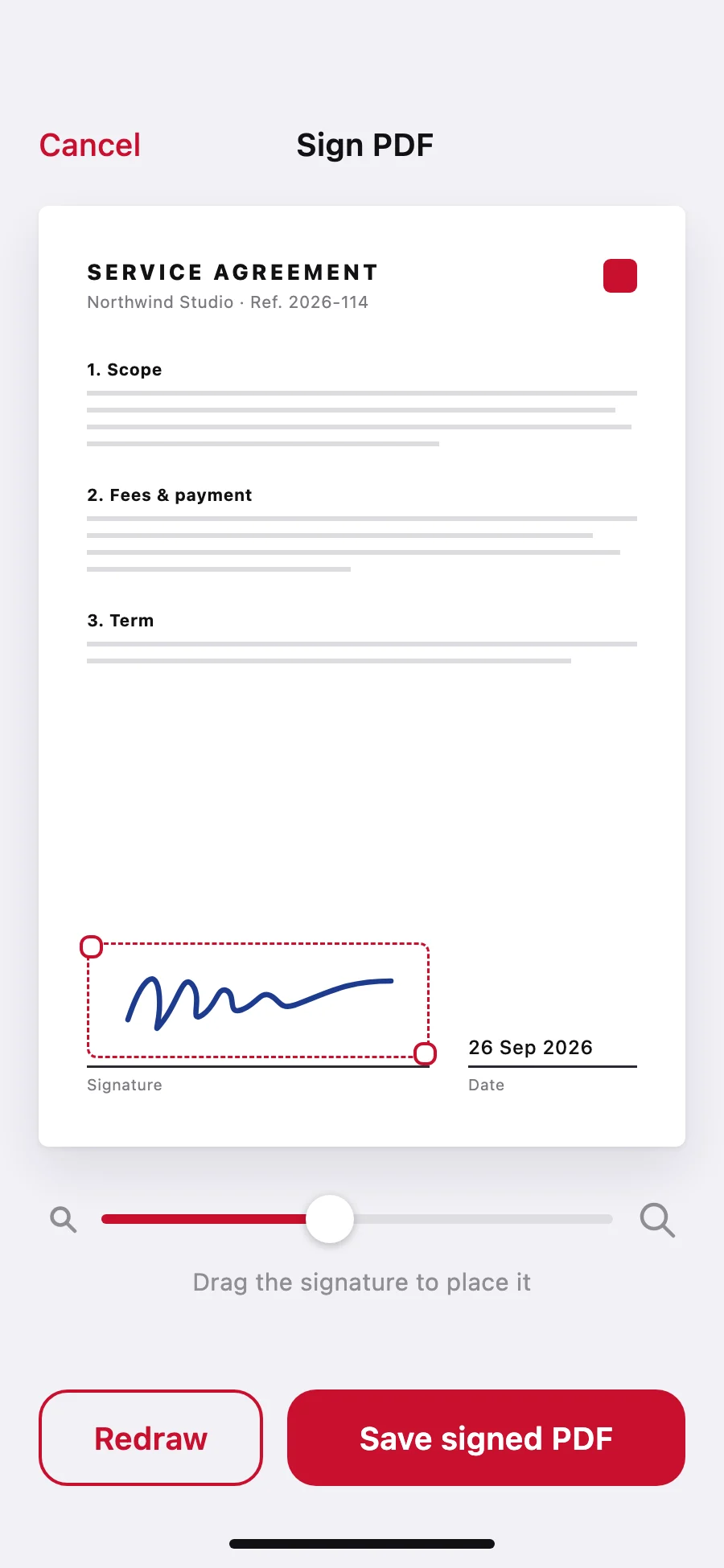
Draw once, drop it anywhere.
3 PDFs → 1 file
A month of receipts on a few sheets. Included with Pro.
Shrink large PDFs so they fit through any inbox.
Free covers PDFs up to 10 pages and 2 merges a week, with no watermark.
Start free. Upgrade when you outgrow it. Prices in USD; the App Store shows your local price.
Pro adds: unlimited pages, unlimited merging, 2/4/9 per page
No. Every PDF is made on your iPhone. There is no account and nothing is sent to a server.
Yes. Make PDFs up to 10 pages and merge 2 times a week, without a watermark. Pro removes the limits.
JPG, PNG, HEIC, screenshots, and paper documents you scan with the camera.
Anytime, from your Apple ID subscription settings. Lifetime is a one-time purchase.